August 14, 2026
Barber & Salon Website Guide: Bookings in Your Pocket
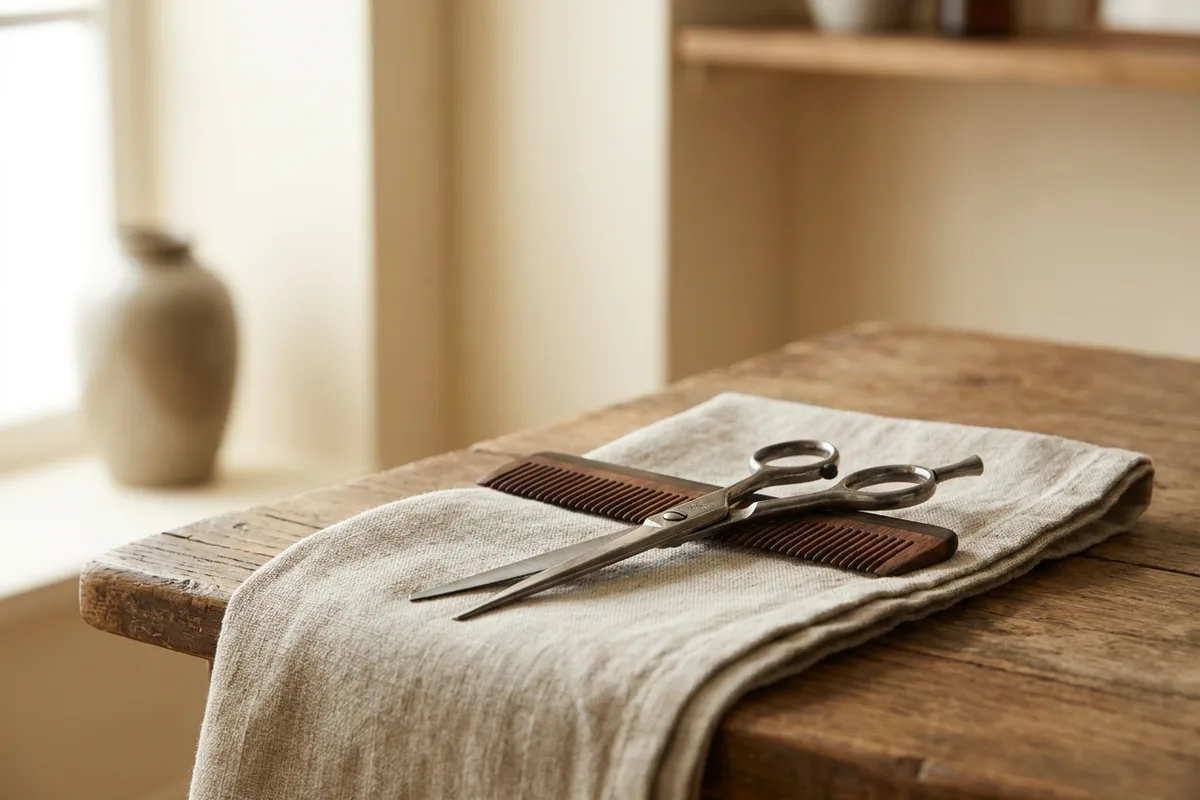
Picture a hair salon in Bornova. The phone rings all day; with scissors in hand nobody can pick up, and by the time someone does, the customer on the other end has already called another salon. Now picture the same salon with a single button on its website — "Book via WhatsApp". The customer writes what time they need, the stylist replies at the first free moment, and the appointment is settled in two messages. Nobody was put on hold; nobody slipped away. That is exactly what a barber or salon website is for: carrying the appointment book into your pocket.
The shortest path to a booking: WhatsApp
For small salons, WhatsApp is the king of booking flows, because your customers already live there. Put a one-tap WhatsApp button on every page of your site, with the message pre-filled: "Hi, I’d like an appointment. Date: … Time: … Service: …" When you reduce the customer’s job to filling three blanks, abandoned phone calls disappear.
Set up quick replies too: three to five stock lines like "We’re full today — would tomorrow at 2pm work?" let you answer in two taps even mid-haircut. We walked through this flow step by step in our WhatsApp Business guide. Move your number to a business account while you’re at it: a profile photo, address and service catalog reassure a messaging customer as much as your shop sign does.
The price list: stop hiding it
Prices are the thing salons hide most and customers seek most. A site that says "prices at the salon" sends the customer straight to a competitor’s price list. Write the services plainly — cut, blow-dry, beard, color — with a clear price or an honest range next to each. The customer who saw the price and came anyway doesn’t haggle, meets no surprises, and comes back next month. Keeping the list current matters as much as publishing it: the customer who learns about the price rise at the till feels cheated.
Opening hours and "are you open right now"
Going to the barber is usually an impulse decision: "my hair’s grown — I’ll go now." So keep your hours on every page, current and true — if Sunday is closed, say Sunday is closed. Update the extended holiday hours as well; the customer who arrives at a locked door rarely returns. Sync your closed days with your Google Business Profile too; when the two sources disagree, customers trust neither.
Being the first salon your neighborhood finds
Someone searching "men’s hairdresser Bornova" finds the salon whose title mentions Bornova, whose Google Business Profile is complete, and whose reviews are fresh. Put your neighborhood in your site title, make sure the address and phone match your profile letter for letter — our neighborhood guide lists every one of those signals. A couple of customer photos — with permission, results-focused — complete the trust. And don’t be shy about asking for reviews: a happy customer getting out of the chair will gladly write a one-sentence Google review.
Do you need an online booking system?
Honestly: for a salon with three chairs or fewer, an online booking system is usually a burden. Managing a real-time calendar is its own job, and when a slot that looks free collides with a full book, trust takes the hit. A booking settled in two WhatsApp messages is warmer and safer for a small salon. Leave the system to five-chair, shift-based operations.
The rest is the skeleton you know
Homepage, services (for you: the treatment and price list), about, contact — our five pages guide applies to salons unchanged. For a feel of how it can look, browse our template gallery.
If you’re a salon that wants its appointment book in its pocket, get a free quote — let’s set up your WhatsApp flow together.